
In the current AI arms race, the best tools are often locked behind a paywall. Google’s Gemini Advanced (powered by the massive 3 Pro model) is a game-changer for coding, data analysis, and multimodal tasks—but the $20/month price tag adds up to a steep $240 per year.
Here is the secret: Google is currently running a quiet promotion for students that waives this fee entirely for 12 months.
The best part? You don’t need to be currently enrolled in classes. By leveraging a specific registration portal at Pennsylvania State University (PSU), you can legally verify student status and unlock this offer in about 5 minutes.
Here is the complete walkthrough.
📋 The Prerequisites
Before you start, ensure you have these two things ready:
- US Network Environment: You must be connected to a US IP address (via VPN) for the duration of this process. The offer page is geo-fenced.
- Payment Method: A valid Visa or MasterCard (Credit or Debit).
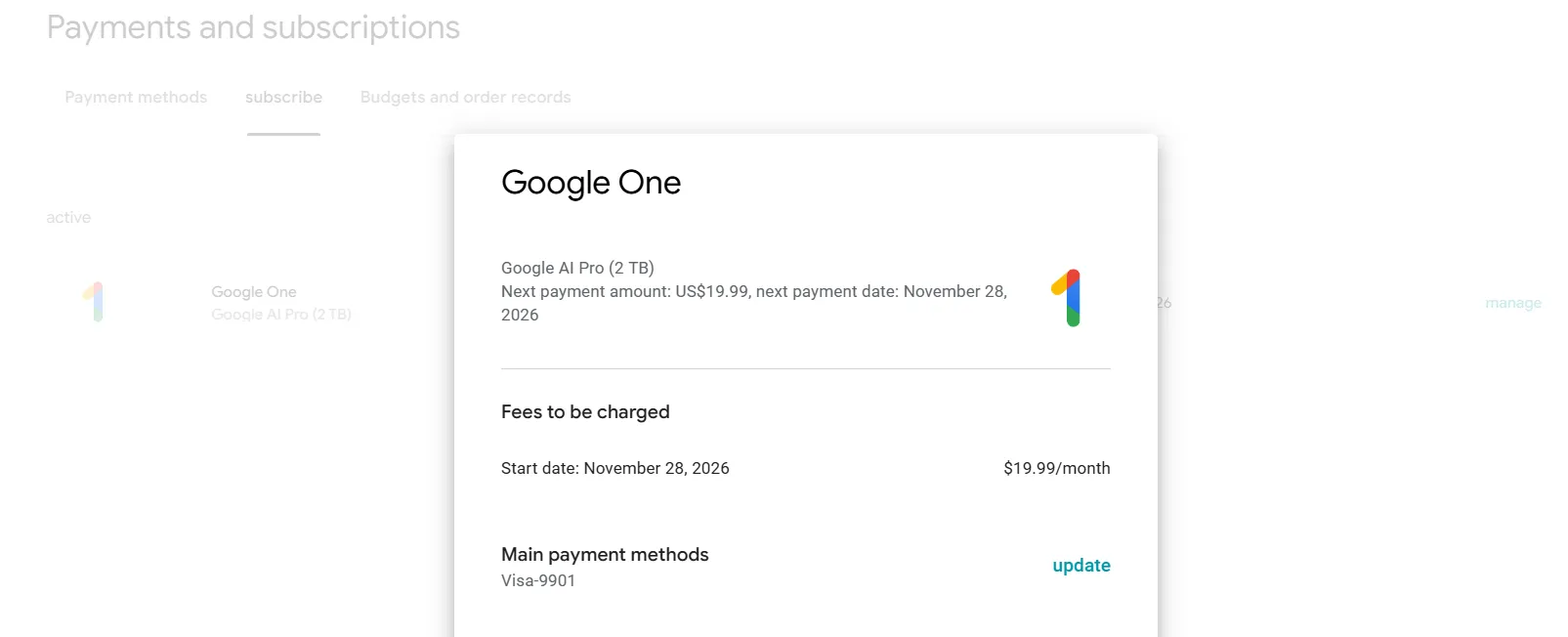
- Note: This is for identity verification only. We will cancel the subscription in the final step so you are never charged.
Step 1: Secure Your .EDU Credential
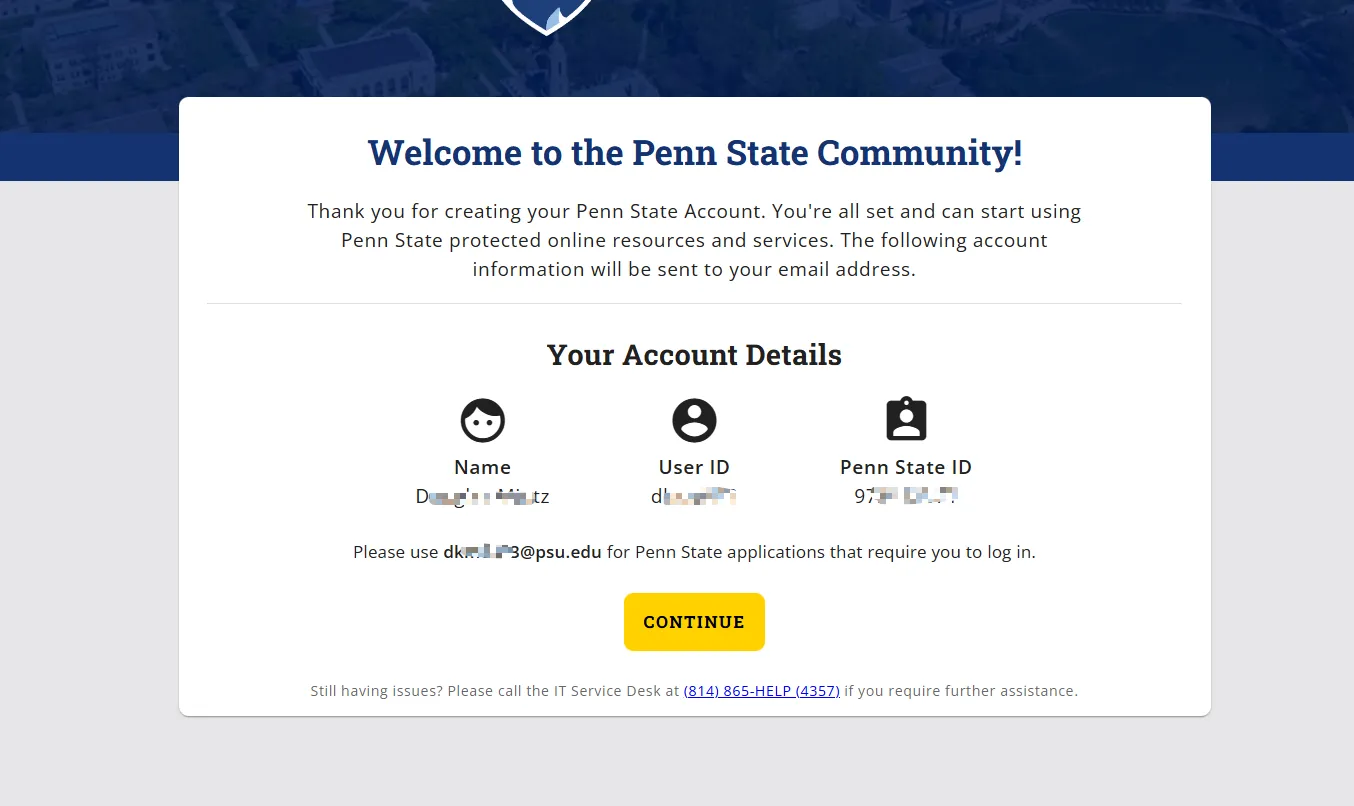
We need a valid student identity to unlock the offer. The PSU account creation portal is currently the fastest way to get one without strict verification hurdles.
- Navigate to the PSU Account Creation Portal.
- Fill in the Details:
- Email: Use your real, primary email address. You will need to access this to receive a verification code.
- Personal Info: For Name and Date of Birth, you can use aliases or random information—exact accuracy here is not verified.
- Activate:
- Enter the code sent to your email.
- Once confirmed, the system will generate a
@psu.eduUser ID and allow you to set a password. Save these credentials immediately.
Step 2: Verify Eligibility
Critical: Double-check that your VPN is on and set to the US.
- Go to the official promotion page: goo.gle/freepro.
- Scroll down and look for the “Check Eligibility” button. (If you don’t see it, your IP isn’t being detected as US).
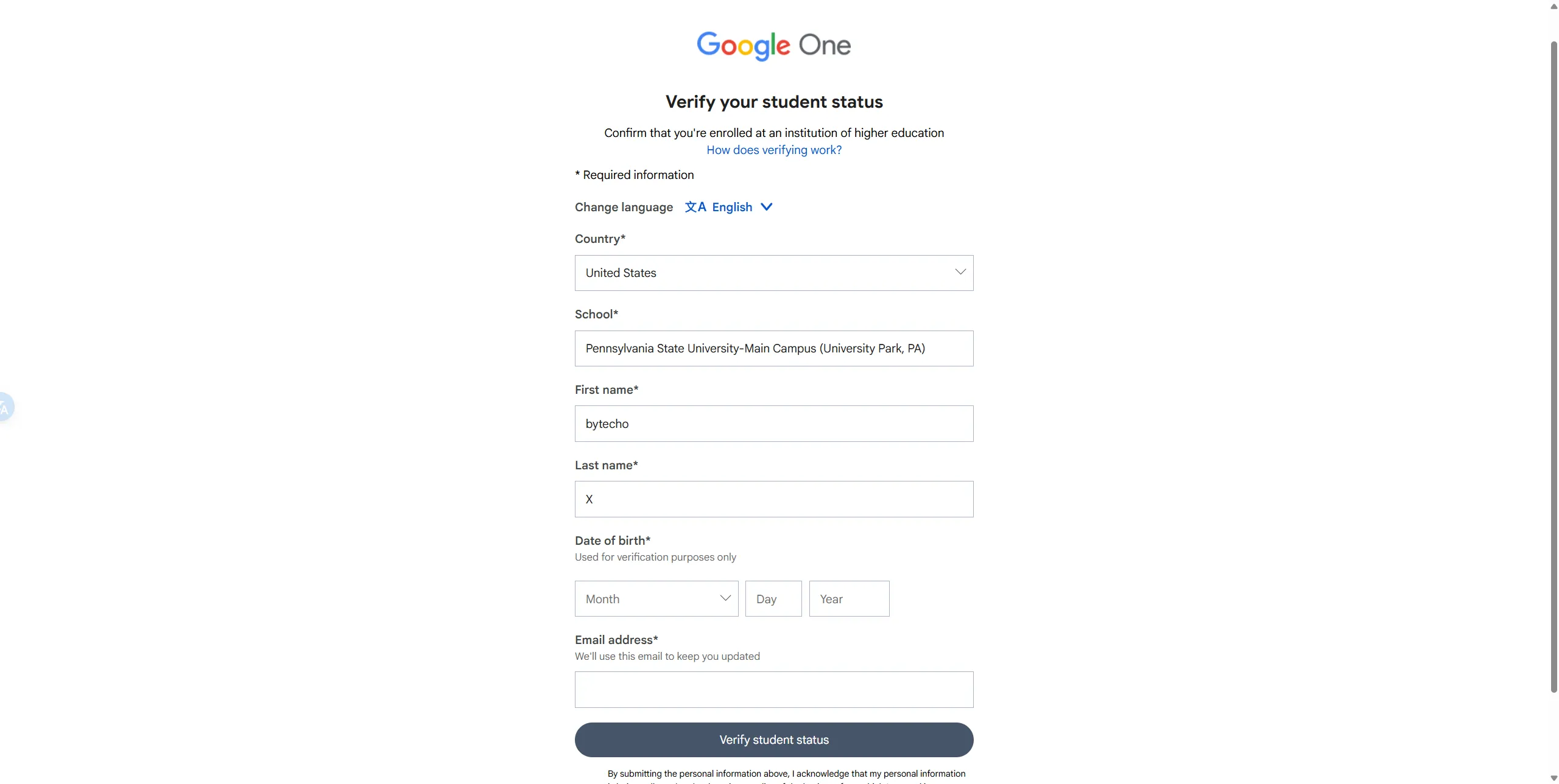
- The Verification Form:
- School: Search for and select Pennsylvania State University.
- Email: Enter the
@psu.eduaddress you just created.
- SSO Login:
- The site will redirect you to the PSU WebAccess login page.
- Log in with your new PSU credentials. You should see a “Verification Successful” message.
Step 3: Activate the Subscription
Once verified, you will be redirected back to Google with a new button: “Subscribe to Google AI Pro”.
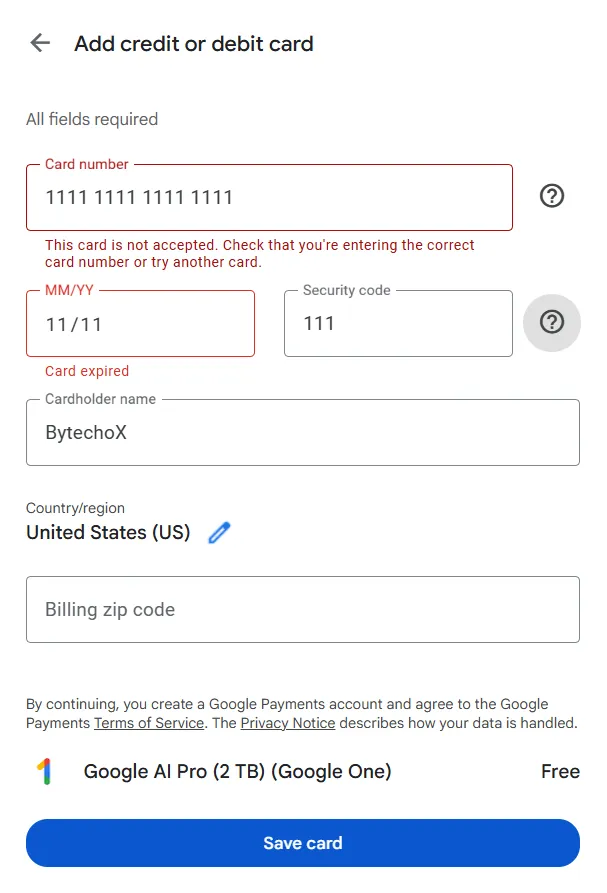
- Checkout: Enter your card details.
- Billing Address: Use a valid US Zip Code (e.g.,
10001for NY or90210for Beverly Hills). Do not use an international zip code.
🛑 Troubleshooting: The [OR_CCREU_06] Error
If your card is declined with this specific error code, don’t panic. It’s a common Google Pay security trigger.
The Fix:
- Open Google Wallet in a new tab.
- Manually add your payment method there first.
- Return to the Gemini promo page and try checking out again. It should work instantly.
Step 4: The “Kill Switch” (Crucial)
You now have the service, but you also have a ticking clock. If you forget to cancel, you will be charged ~$240 next year.
The smart move is to cancel immediately. Google’s policy allows you to keep the full year of benefits even after cancellation.
- Go to gemini.google.com.
- Click Settings (bottom left) > Manage Subscription.
- Find the “Google One AI Premium” plan and select Cancel Subscription.
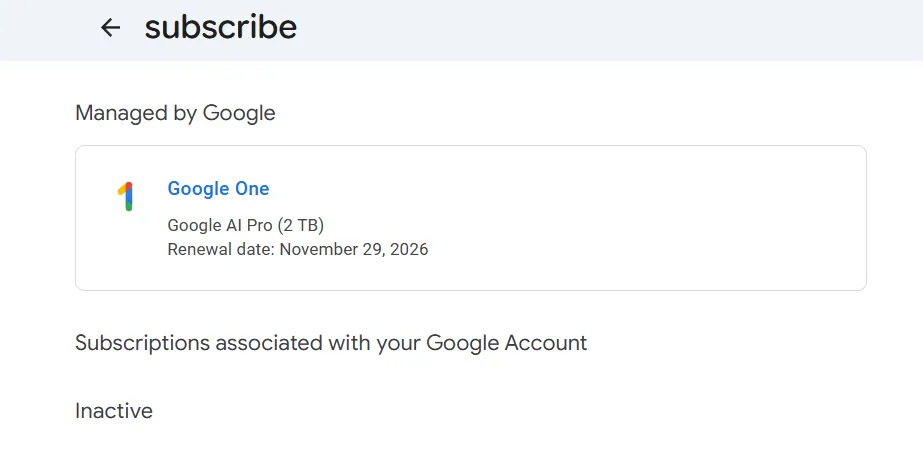
Confirm the cancellation. You should see a message stating: “Your benefits will remain active until [Date], 2026.”
🚀 What You Just Unlocked
Congratulations. You now have access to a top-tier tech stack for free:
- Gemini 3 Pro: A massive 1M+ token context window for analyzing huge codebases or long documents.
- Advanced Data Analysis: Upload spreadsheets and let Python run the numbers.
- 2TB Google Drive Storage: Plenty of room for backups and assets.
Enjoy the upgrade. If this guide saved you money, share it with a friend before the offer expires.
Enjoyed this article? Consider supporting the author!
Buy me a Coffee